
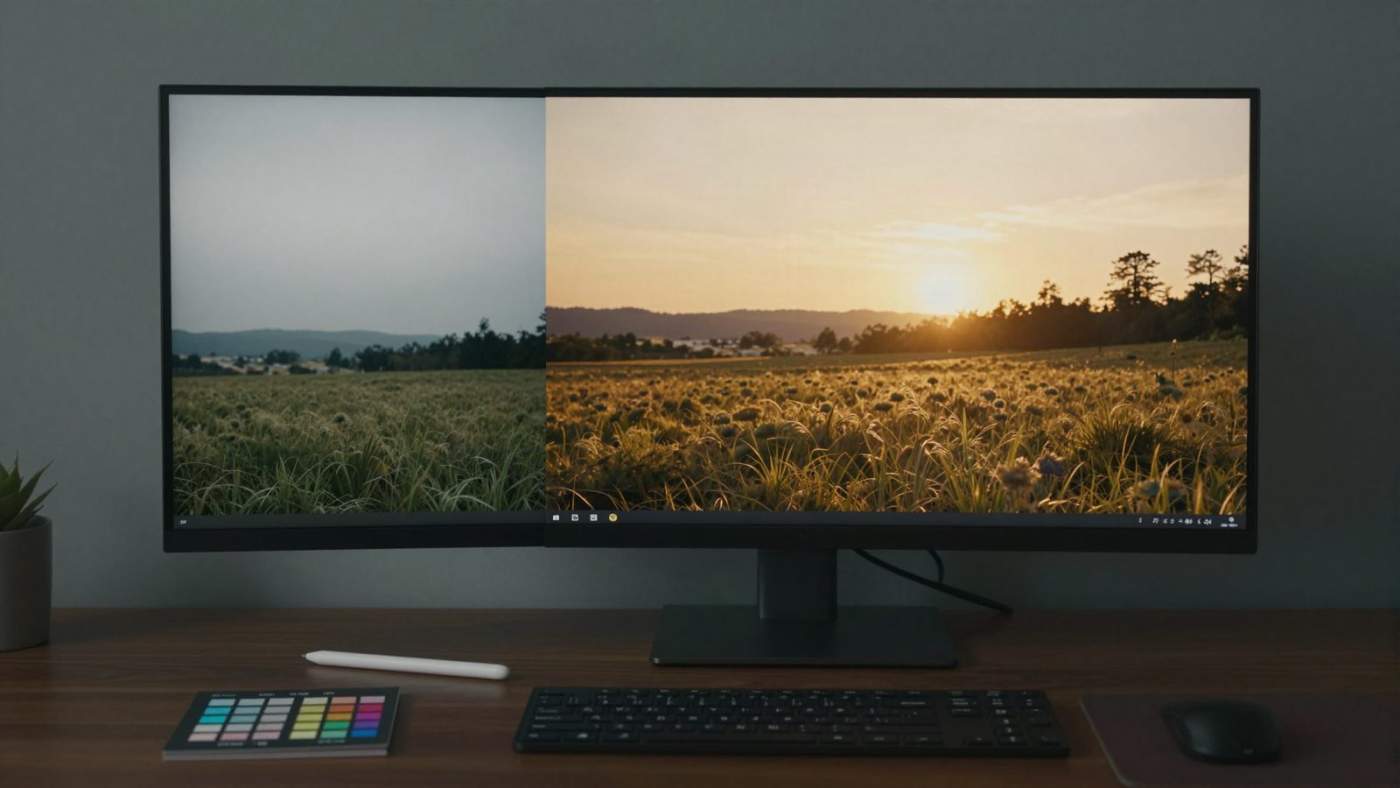
On October 27, 2026, Microsoft introduced MAI Image 2.7, the new image editing model from its Microsoft AI division. The model launches as a preview and, for now, only edits existing images: restyling or relighting scenes, changing text and symbols inside a picture, restoring older shots. Generating images from text alone is “coming soon,” according to Microsoft, with no date attached.
The most interesting part is the leaderboard position. Microsoft puts the model just behind OpenAI. Below, we look at what the numbers actually say, where the limits are, and what developers and creatives can use today.
Key Takeaways
- MAI Image 2.7 is an editing-only model in preview. Text-to-image is announced but has no release date.
- Microsoft says it ranks No. 2 on Artificial Analysis’s image editing leaderboard and No. 3 on Arena Edit.
- In Microsoft’s chart, MAI-Image-2.7-Preview scores 1,193 Elo, six points behind GPT Image 2.5 Sunburst (max) at 1,199.
- You can try it in MAI Playground, on Arena and on Artificial Analysis. Microsoft’s post mentions no API and no pricing.
What MAI Image 2.7 can do
Microsoft describes MAI Image 2.7 as a model for “edits that are hardest to get right.” The Microsoft AI announcement names four areas:
- Scene and style: restyle or relight an entire scene, for example turning daylight into an evening mood.
- Text and symbols: change lettering or signs in an image while keeping them integrated into the scene.
- Restoration and enhancement: clean up and improve existing images and assets.
- Edits that need world understanding: changes where the model has to grasp how objects, lighting and environments work together, such as moving a product into a new setting.
One point matters for context: MAI Image 2.7 always needs a source image. If you want to create a picture from scratch, you still have to use older MAI models or other providers. Microsoft says plainly that it is “starting with editing, with text-to-image generation coming soon.”
MAI Image 2.7 benchmarks: what the numbers show
Microsoft bases the launch on two leaderboards. On Arena Edit, the model debuts at No. 3, which by Microsoft’s account makes Microsoft AI the No. 2 lab. On Artificial Analysis’s image editing leaderboard, it takes second place.
The chart in Microsoft’s post cites “Artificial Analysis, AA-Image-Editing v2.1” as its source and lists these Elo scores:
- GPT Image 2.5 Sunburst (max): 1,199
- MAI-Image-2.7-Preview: 1,193
- GPT Image 2.5 Flare (max): 1,182
- MAI-Image-2.6, Krea 3 (Ultra) and Nano Banana 2.1: 1,151 each
- MAI-Image-2.6-Flash: 1,144
- GPT Image 2 (high): 1,136
That is 42 Elo points more than its predecessor, MAI-Image-2.6. Microsoft says 2.7 improves on 2.6 across all 10 use cases and all 7 editing actions that Artificial Analysis evaluates. According to Microsoft, it reaches the top of four categories: enhancement and restoration, reasoning-based edits, scene and style, and text or symbol editing. Its biggest lead is in scene and style, 24 Elo ahead of the next-best model.
A second chart shows the jump in individual categories. In reasoning-based edits and in scene and style, Microsoft moves from rank 7 to rank 1. In text or symbol edits, it moves from rank 6 to rank 1.
How solid are these numbers?
Elo scores on these leaderboards come from pairwise comparisons where people blindly pick the better of two results. A six-point gap is small. The news site TokenPost notes that the confidence intervals of the first- and second-placed models overlap, so the order at the top is not statistically clear-cut. The figures here also come from Microsoft’s own presentation, and we have not recalculated them independently.
Just as important, a preference vote measures which single output people like better at a glance. It says little about how reliably a model behaves on the tenth revision of the same asset or how well it follows brand guidelines. Anyone planning to use the model professionally should test it on their own images.
Availability: a playground, not an API
According to Microsoft, the editing features can be tried today in three places: MAI Playground, Arena and Artificial Analysis. The announcement contains no information on an API, pricing or general availability. Coverage from outlets such as TokenPost also notes that neither an API nor pricing has been disclosed.
For developers, that means MAI Image 2.7 cannot be used in production apps yet. For now it is a model for testing and comparison. Microsoft has not said whether or when this version will come to its cloud services or to Copilot.
Context: Microsoft’s in-house model strategy
MAI Image 2.7 is part of a series of in-house models that Microsoft AI releases under the MAI label. These include earlier image models such as MAI-Image-1, MAI-Image-2 and MAI-Image-2.5-Pro, voice models such as MAI-Voice-2-Flash, and medical systems such as MAI-DxO for AI-assisted diagnosis. Step by step, Microsoft is building its own model lineup while remaining closely tied to OpenAI.
In images, OpenAI is the direct competitor: the two models that bracket MAI Image 2.7 in Microsoft’s chart both belong to the GPT Image 2.5 family. Only days ago, OpenAI introduced GPT-6.1 Terra, a model focused on visual understanding and computer use. Competition in multimodal models is heating up on several fronts.
The timing also stands out because Microsoft is reorganizing its costs at the same time. Just one day earlier, the company announced a voluntary exit offer for around 60,000 employees and pointed to its heavy AI investments. In-house models like MAI Image 2.7 are part of what that money pays for.
What it means for creatives and developers
For agencies, online shops and content teams, the strengths Microsoft highlights are the interesting part. Placing product shots in new settings, adapting campaign visuals to another time of day or season, changing signs or packaging text in an image: these are typical tasks that still require a lot of manual work. A model that handles them reliably saves time.
The usual caveats still apply. With text in images, every character counts and mistakes are obvious. Legal questions, such as editing third-party photos or labeling AI-edited images, remain regardless of the model. And as long as there is no API, MAI Image 2.7 cannot be built into automated workflows.
A sober comparison makes sense: run the same source images and instructions through MAI Image 2.7 and the models you already use. Arena offers a blind comparison where you do not see which model produced which result.
Bottom line
MAI Image 2.7 shows that Microsoft is catching up with OpenAI in images, at least in editing. The published numbers show a clear improvement over the predecessor and a small gap to the top. The limits are just as clear: editing only, preview only, no API, no pricing. Whether the model lives up to its leaderboard position in daily work will only become clear once it is more widely available. We will keep track of when text-to-image and developer access arrive.