
The Orca AI Editor — more precisely, Stably’s Agent Development Environment (ADE) — is not pitched as another chat pane inside a classic IDE. According to the official docs and product site at onorca.dev, Orca is a desktop environment for running multiple CLI coding agents in parallel, each in its own Git worktree, with chat or terminal, diffs, an embedded browser, and a CLI in one app. This piece is a product review based on public documentation and primary sources — not a hands-on test by code404zero.
What is the Orca AI Editor?
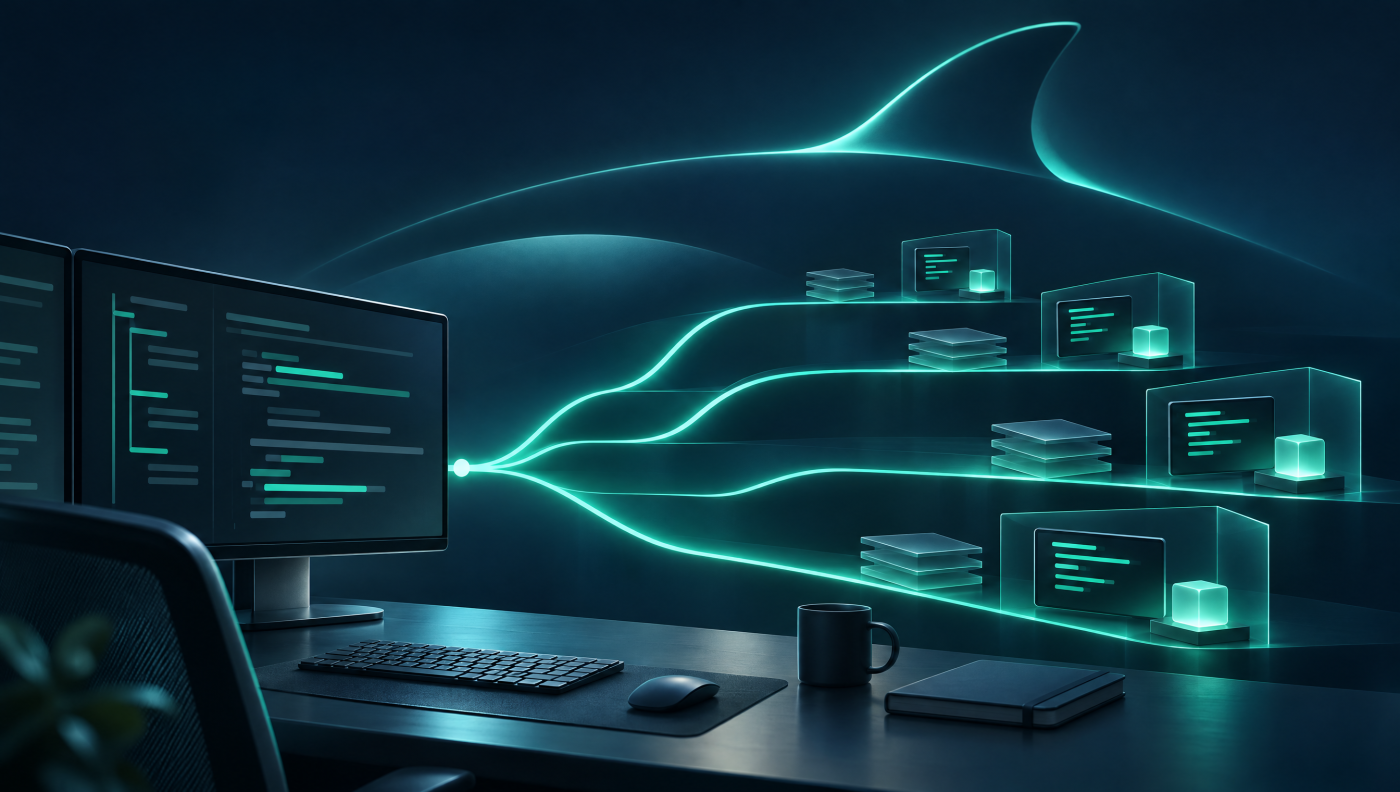
Orca calls itself an ADE: an environment built for you and your agents, not only for human keystrokes. The docs put it plainly: every task gets its own Git worktree, agent terminal, and browser tab so you can fan work across agents such as Claude Code, Codex, or Cursor CLI without constant stashing and branch juggling.
Equally important is what Orca says it is not: not a model, not a Git replacement, and not a hosted VPS product. It orchestrates agents you already use (“bring your own” subscription or CLI). Remote compute uses machines and cloud accounts you control.
Who builds it?
The open-source repository lives at github.com/stablyai/orca under the Stably GitHub organization (stablyai; company site stably.ai). The README and product site present Orca as MIT-licensed open source. An Enterprise page at onorca.dev/enterprise targets team rollout (local-first worktrees, PR review, self-hosting); public Enterprise list prices were not posted at research time — contact goes through the Stably team.
On community metrics: the GitHub API reported roughly 120,300 stars and an MIT SPDX license for the repo on 9 November 2026. Stars are not a quality score, but they indicate visibility. Releases are active; install docs describe a stable channel plus optional release-candidate builds.
Core features from the official docs
Worktrees as the parallel-agent safety net
Orca is documented as worktree-native. Instead of branching and stashing on one checkout, each task gets an on-disk copy via git worktree. Lifecycle: Create (optionally linked to GitHub, Linear, Jira, or GitLab) → Work (agents, editor, browser scoped to the worktree) → Review (diff, Annotate AI Diff) → Ship (commit, push, PR, checks) → Archive/Delete. Deleting removes the worktree and branch after confirmation; worktrees remain real Git worktrees you can drive with plain git.
Bring your own agent
The product page lists many CLI agents — Claude Code, Codex, Grok, Gemini, Cursor, GitHub Copilot, OpenCode, Goose, Cline, Kimi, and more — plus “any other CLI agent.” Orca does not sell a model here: you plug in subscriptions and CLIs you already have and run them side by side. Marketing materials also highlight cross-provider usage tracking; exact UI details can change by release.
Chat or terminal, orchestration, browser
Supported sessions can run in a Chat UI or as the raw CLI, with conversations movable between surfaces without losing context. Orchestration docs describe Runs, Tasks, Dispatches, supervised workers, and decision gates — structured multi-agent workflows with ownership and completion tracking. The embedded Chromium browser includes Design Mode: click an element, capture HTML/styles/selectors, and feed them to an agent. Rich previews (images, PDFs, Markdown), scheduled automations, computer use for desktop apps without a CLI, and a plugin ecosystem round out the surface.
Local, SSH, remote server, cloud VMs
“Ways to run Orca” documents four modes: local desktop; SSH targets (agents and worktrees remote, UI local); Remote Orca Server or orca serve (persistent runtime for mobile and automation); and cloud VMs / per-workspace environments via orca.yaml recipes with bring-your-own providers. Explicitly: Orca does not sell managed VPS hosting. Cloud VM appears under Settings → Experimental in the product UI.
Mobile companion (beta)
The iOS (App Store) and Android (current APK) companion is documented as beta. It is intentionally not a full editor — a mostly read-oriented remote control: worktree and agent status, terminal scrollback, short replies when an agent waits, source control (stage/commit), usage/rate limits, creating workspaces, and starting agents. The desktop remains the source of truth; pairing is one-time.
Platforms and install
Desktop: macOS (13.4+, signed and notarized), Windows, and Linux (AppImage, .deb, .rpm). macOS also via Homebrew cask stablyai/orca/orca. First launch asks for home-directory access and can import ~/.claude, ~/.codex, and Ghostty settings. The Linux CLI binary is named orca-ide to avoid clashing with the GNOME Orca screen reader. Updates track the stable channel by default; RC builds are available via modifier clicks or GitHub Releases.
License and pricing
Orca itself is free and open source under MIT, per the repo and product site. You still pay agent providers (API or subscription) and any remote/cloud providers you wire up. No public consumer price list for the ADE appeared on the site; Enterprise covers team rollout and security conversations without published list prices.
Context: ADE versus classic AI IDEs
Category comparison only — no hands-on benchmark. Tools such as Cursor often fold chat into a developer-centric IDE; CLI agents such as Claude Code typically live in a terminal. Orca claims the layer beside or above that: parallel agents, worktree isolation, review, browser, and remote in one surface. The comparison table on onorca.dev contrasts parallel worktrees, macOS/Windows/Linux, MIT open source, embedded Design Mode browser, and “27 supported agents” with “IDEs and wrappers” — that is vendor messaging, not an independent measurement.
Readers who already follow agent runtimes and orchestration on code404zero will recognize neighbors: Herdr keeps sessions alive across disconnects, Paperclip orchestrates agent teams at platform level, and our AI coding agents comparison ranks harnesses by success rate. Orca sits in between: an ADE for parallel CLI agents with Git worktrees.
Documented strengths
- Clear focus on parallel agents with real Git worktrees instead of window sprawl
- BYO model: reuse existing agent CLIs and subscriptions
- Broad desktop coverage plus a mobile companion
- MIT open source with documented self-hosting and remote modes
- Review path (diff, PR, checks) and browser Design Mode are part of the product claim
Limits and open questions
- Assumes comfort with terminals, Git, and reviewing agent diffs; docs say it is not a no-code tool
- Mobile is beta and deliberately not a full editor
- Cloud VM path is marked Experimental; providers and bills stay with you
- Coordinating many agents still costs attention and model spend
- This article includes no independent performance or quality benchmarks from us
Verdict: who is Orca for?
Per the docs, Orca is for people who already write code for a living and want AI as leverage — reading diffs, caring about commits, keeping worktrees tidy. If you already pay for Claude Code, Codex, or similar CLIs and want several agents in parallel, the documented ADE offers an integrated control surface with worktree isolation, remote options, and mobile monitoring. Beginners mainly looking for autocomplete in a classic editor are not the stated audience.
Sober takeaway from the sources: the product story is coherent and well documented, the license is clear (MIT), and cost honesty sits with BYO agents plus your own infrastructure. Whether Orca “clicks” day to day depends on your workflow — and on your own trial. Downloads and docs start at onorca.dev/docs; source is on GitHub.