
Orca vs Lumi is not a contest between two identical editors. According to the official product sites, they solve different problems: Orca is an Agent Development Environment (ADE) for running multiple CLI coding agents in parallel, each in its own Git worktree. Lumi is a general open-source desktop agent that works with an AI account you already have — GitHub Copilot, an eligible ChatGPT plan, API providers such as OpenRouter or Microsoft Foundry, and local models via Ollama or LM Studio. This comparison is based on public documentation and repositories, not a hands-on test by code404zero.
Orca vs Lumi: two different jobs
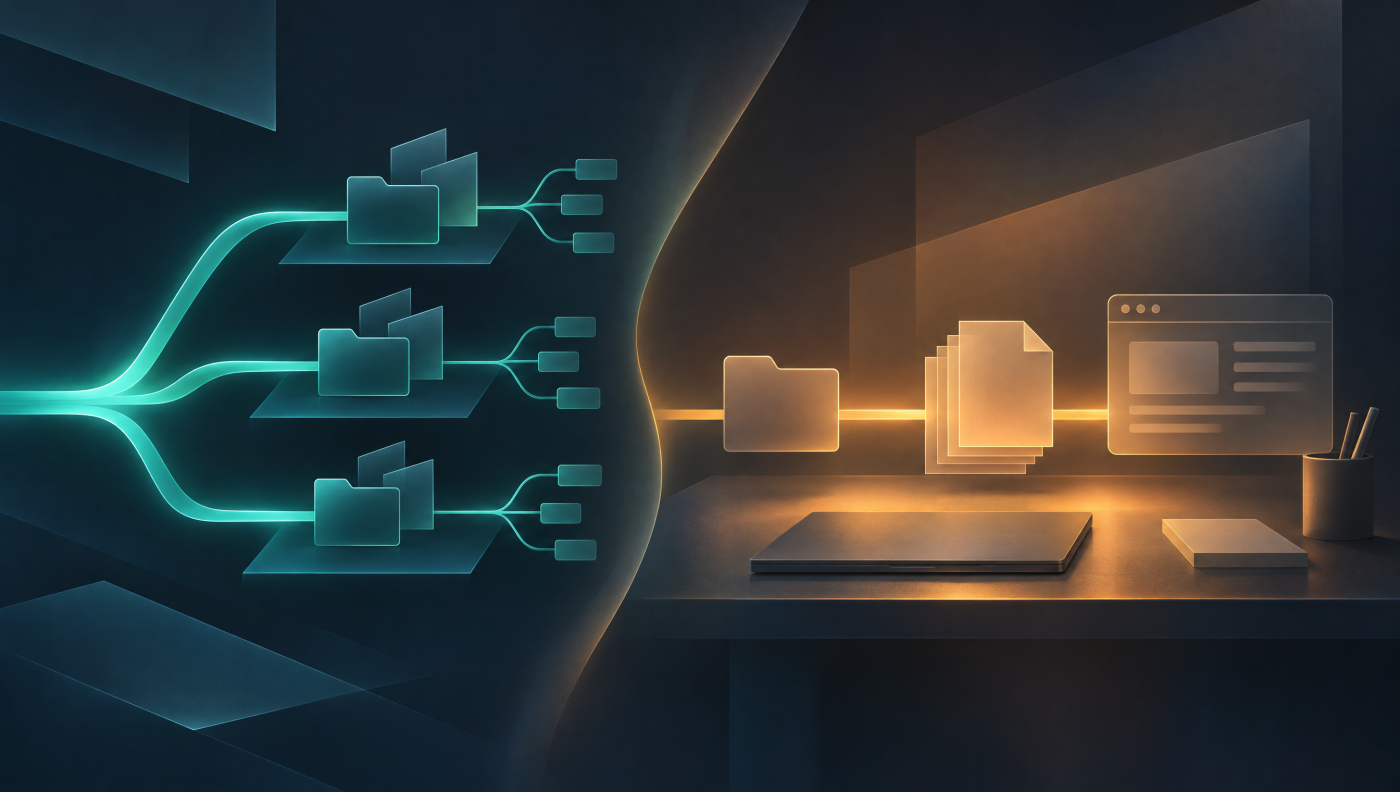
If you want several coding agents on the same codebase at once without juggling branches and worktrees by hand, you are in the terrain Orca’s docs describe: isolated Git worktrees, orchestration, review, and remote runtimes. If you want a single agent on your own machine for code, files, documents and the browser, using a subscription you already pay for, that is the job Lumi positions itself for. A scored “winner” would miss the point — the workflow decides.
What Orca covers
Orca comes from Stably and is MIT-licensed in the stablyai/orca repository. The ADE orchestrates CLI agents you bring yourself, including Claude Code, Codex, Cursor CLI and many others listed on the product page. Each task gets its own Git worktree. The surface includes a Chat UI or raw terminal, diffs, an embedded browser with Design Mode, a CLI, optional remote modes (SSH, Remote Orca Server, experimental Cloud VMs), and a mobile companion that the docs mark as beta. A fuller product walk-through is in our Orca AI Editor review.
Orca itself is free; costs sit with agent subscriptions and, if you use them, your own remote machines. It is not a model, and the docs say it is not a hosted VPS product.
What Lumi covers
Lumi is maintained in the adirh3/Lumi GitHub repository (maintainer account: adirh3) under the MIT license; the product site is letlumi.com. The desktop app is built with C#/.NET and Avalonia. The GitHub Copilot SDK supplies the agent runtime even when another provider supplies the model. As of 10 November 2026 (Europe/Berlin), the GitHub API reported 28 stars — a visibility figure, not a quality score. The latest published release was v1.0.2 (9 November 2026, 10:00 Europe/Berlin).
Per the website and README, Lumi can search and edit code, run commands, work with files and documents, and use a built-in browser. On Windows it can also operate in other application windows; desktop UI automation is explicitly Windows-only. Work can be organized in projects with their own instructions; skills, custom agents, MCP connectors, plugins and memory across chats are part of the documented feature set. Answers may come back as files, checklists or charts, with code changes left on a branch for review.
AI accounts, approvals and the companion
Lumi itself is free. The AI comes from the account you connect, and that provider’s plans, limits and charges apply. GitHub Copilot is the built-in default route. You can also sign in with an eligible ChatGPT plan (no API key; not every ChatGPT account automatically qualifies), add API providers such as OpenRouter or Microsoft Foundry with your own key or sign-in, or run local models with Ollama, LM Studio or another server you operate — using a model that supports tools. Local inference does not, the README says, make every Lumi feature offline.
Approvals decide whether an action runs; they are not a sandbox. Three modes: Full access (the default) runs actions without asking; Ask first asks before commands, file edits and connectors; Auto-review (preview) lets GitHub Copilot’s reviewer approve requests that match what you asked and asks you about the rest. Always-allowed and never-allowed rules are available. From v1.0.2, a project’s shell commands can optionally run in Copilot’s OS sandbox (off by default; release notes require a recent Windows 11, macOS 15 or later, or Linux with bubblewrap). Lumi’s own browser, desktop and web tools are not sandboxed. The vendor still asks you to keep backups and review results.
An Android app (APK from GitHub Releases) or the mobile web app can pair with your computer so you can follow progress, answer questions and start chats. The computer must stay on, awake and reachable; there is no native iOS app, and iPhone users are directed to the web app. Chats are stored on your computer, but model requests and connectors still send context to the services you use — local storage is not, the docs say, an offline or privacy guarantee.
Platforms and install notes
Both tools ship for Windows, macOS and Linux. Lumi’s installers are self-contained; you do not need a separate .NET SDK. macOS packages are not signed or notarized yet, according to the site and README, so macOS warns on first launch; the README documents first-launch steps (do not disable Gatekeeper globally). The Linux AppImage needs FUSE 2 (libfuse2 or libfuse2t64); without FUSE, use the portable archive. The built-in browser uses WebView2 on Windows and the system’s WebKit on macOS 14+ and on Linux (WebKitGTK 4.1).
Orca documents macOS 13.4 or later (signed and notarized), Windows, and Linux (AppImage, .deb, .rpm); the Linux CLI is named orca-ide to avoid clashing with the GNOME screen reader. Remote modes and further detail are in the linked Orca review.
Side-by-side comparison
| Aspect | Orca | Lumi |
|---|---|---|
| Role | ADE for parallel CLI coding agents | General desktop agent for code, files, docs and the browser |
| Work model | Multiple agents, each in its own Git worktree | A single agent per task, visible steps, review on the branch |
| AI hookup | BYO CLI agents and their subscriptions | BYO account: Copilot, ChatGPT plan, OpenRouter/Foundry, Ollama/LM Studio; runtime: Copilot SDK |
| App license | MIT, open source | MIT, open source (dependencies and the Copilot runtime keep their own terms) |
| Platforms | macOS, Windows, Linux; mobile companion (beta) | Windows, macOS, Linux (x64/ARM64); Android APK and web companion, no native iOS |
| Control | Worktrees, orchestration, diff/PR review | Full access / Ask first / Auto-review (preview); optional project sandbox from v1.0.2 |
| Notable limits | Assumes Git/CLI fluency; Cloud VM is experimental | macOS packages unsigned; AppImage needs FUSE 2; app control is Windows-only |
For adjacent layers — runtimes and team orchestration — see our pieces on Herdr and Paperclip. They replace neither Orca nor Lumi, but they show how differently the stack around agents is being cut today.
Who is each one for?
Orca, per its own docs, is for people who already write code for a living, read diffs, and want several CLI agents in parallel. A typical fit is existing subscriptions for Claude Code, Codex or similar CLIs, worktree isolation, and a control surface for many concurrent tasks — including remote ones that keep running if a remote server or SSH host is up when the laptop sleeps.
Lumi fits anyone who wants a single desktop agent with an AI account they already have — not only for parallel multi-agent coding. The documented scope runs from code changes through documents and in-browser research to Windows app automation. If you want to work locally or via OpenRouter/Foundry, that path is in the account matrix. The computer still has to stay reachable for the mobile companion, approval modes need to be understood, and macOS/Linux install caveats apply.
The audiences can overlap. A team could use Orca for parallel coding agents and Lumi for mixed desk work — a split of jobs, not a contradiction. Conversely, the sources do not present Lumi as a replacement for Orca’s worktree orchestration of multiple CLI harnesses, and Orca is not a general document-and-desktop agent in Lumi’s sense.
Verdict
Orca vs Lumi only misleads if you expect the same job. Orca is the open ADE for parallel CLI coding agents with Git worktrees. Lumi is the open, single desktop agent with bring-your-own AI, a files-and-browser focus, approval modes and a mobile companion. Both are MIT-licensed; both leave model costs with the accounts you connect. Whether either fits daily work is something only your own trial can show — this article does not measure that empirically.
Starting points: the Lumi website and the adirh3/Lumi repo, Orca’s docs at onorca.dev, and our Orca review. Version and star figures are snapshots from 10 November 2026 (Europe/Berlin) and can change.