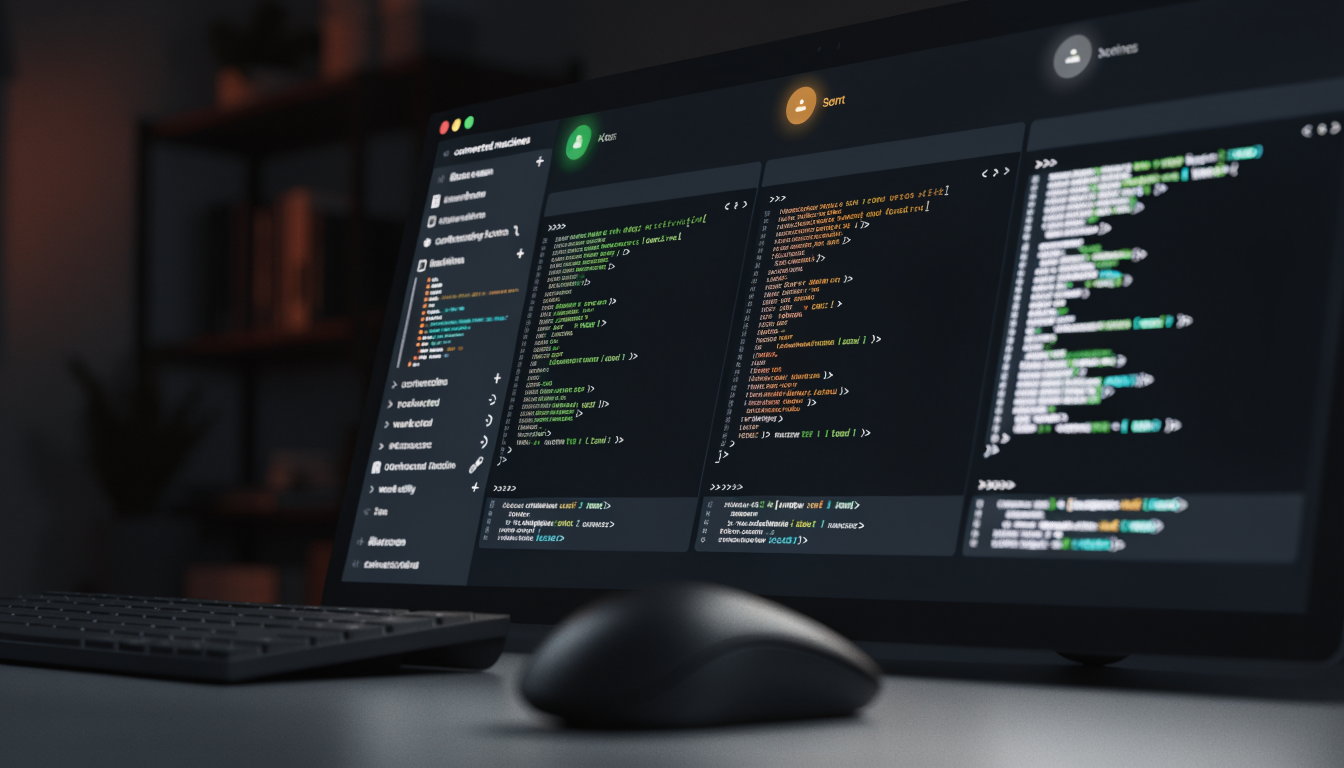
If you’re running several AI coding agents at once – Claude Code here, Codex there, maybe an opencode run in the background – you know the problem: at some point you’re staring at five terminal tabs and have lost track of which agent is waiting, which one is still computing, and which one finished ages ago. That’s exactly the chaos Herdr UI addresses – a native desktop window for the Herdr daemon we already covered.
What Herdr UI actually is
Important distinction up front: Herdr UI is not Herdr itself. Herdr is the background server that keeps your terminal sessions, PTYs and agent processes alive – even when you close the laptop lid or the network drops. Herdr UI is just the window through which you look at that daemon. The makers are pretty clear about this themselves: the TUI (the terminal interface) stays the main entry point, the graphical window is an addition when you need it. If you’re already happy working with herdr in a terminal, you lose nothing by skipping the UI.
Technically it’s written in Rust and uses GPUI (the UI toolkit also behind Zed) for GPU-accelerated rendering. You can tell: the terminal rendering is unusually meticulous, down to pixel-precise handling of box-drawing characters and prompt separators, which tend to look crooked in a lot of terminal emulators.
What it actually adds over the plain TUI
Herdr’s terminal mode already does a lot right, but a few things are simply harder in a plain terminal window: side-by-side review of multiple agent sessions, a devices overview across several connected machines, and a genuine “who’s actually waiting on me” signal. Herdr reads every terminal pane and marks it as working, blocked or idle – so you no longer have to click through every single window to figure out which agent needs an answer from you.
In practice that means: you can have three workspaces with four agents open while not being actively attached to any of them – and they all keep running anyway, because they live in the daemon, not in the UI window. Close the window and the work carries on unaffected. That’s a fundamentally different model than “one terminal tab per agent,” where closing the terminal also kills the process.
What stood out to me
- Development pace is high, almost unusually so. The GitHub repo gets several commits a day, over 1,900 in total, with regular releases (the current one was only a few hours old at the time of this review). That’s a good sign for active development, but also a hint that as an early adopter you’ll be installing updates fairly often to stay current.
- Platform support isn’t quite equal across the board. macOS is officially supported, Linux (x86_64/ARM64) is experimental, and Windows is also experimental with a reduced feature set. If you’re on Linux or Windows, factor that in and don’t expect full macOS-level functionality.
- Setup order matters. Herdr UI doesn’t install or update the actual Herdr daemon itself – that needs to be installed separately via herdr.dev first. Skip that step and go straight for the UI, and you’ll likely land in a confusing error message.
- Open source under Apache-2.0, with over 40 contributors in the repo by now – not a one-person project anymore, even though the main author (Fabien Penso) clearly sets the direction.
- SSH connectivity is well thought out, but has prerequisites. Remote machines can be connected, but only with already-configured non-interactive authentication and trusted host keys. If you use MFA or password login on the target server, you need to set up an SSH ControlMaster connection by hand first – not a dealbreaker, but definitely not a zero-config experience for beginners.
Who this is actually for
Herdr UI is clearly not a tool for people who only occasionally spin up a single AI agent. The value only kicks in once you’re genuinely running multiple agents across multiple projects or even multiple machines in parallel and would otherwise lose track. For exactly that scenario – Claude Code, Codex, opencode and friends as a permanently running “herd” instead of individual terminal sessions – packing dispatch, review and status into a native window is a pretty sensible approach.
If you’re already happy with Herdr’s plain terminal interface, there’s no pressure to switch – the makers themselves say it plainly: it’s an addition, not a replacement.