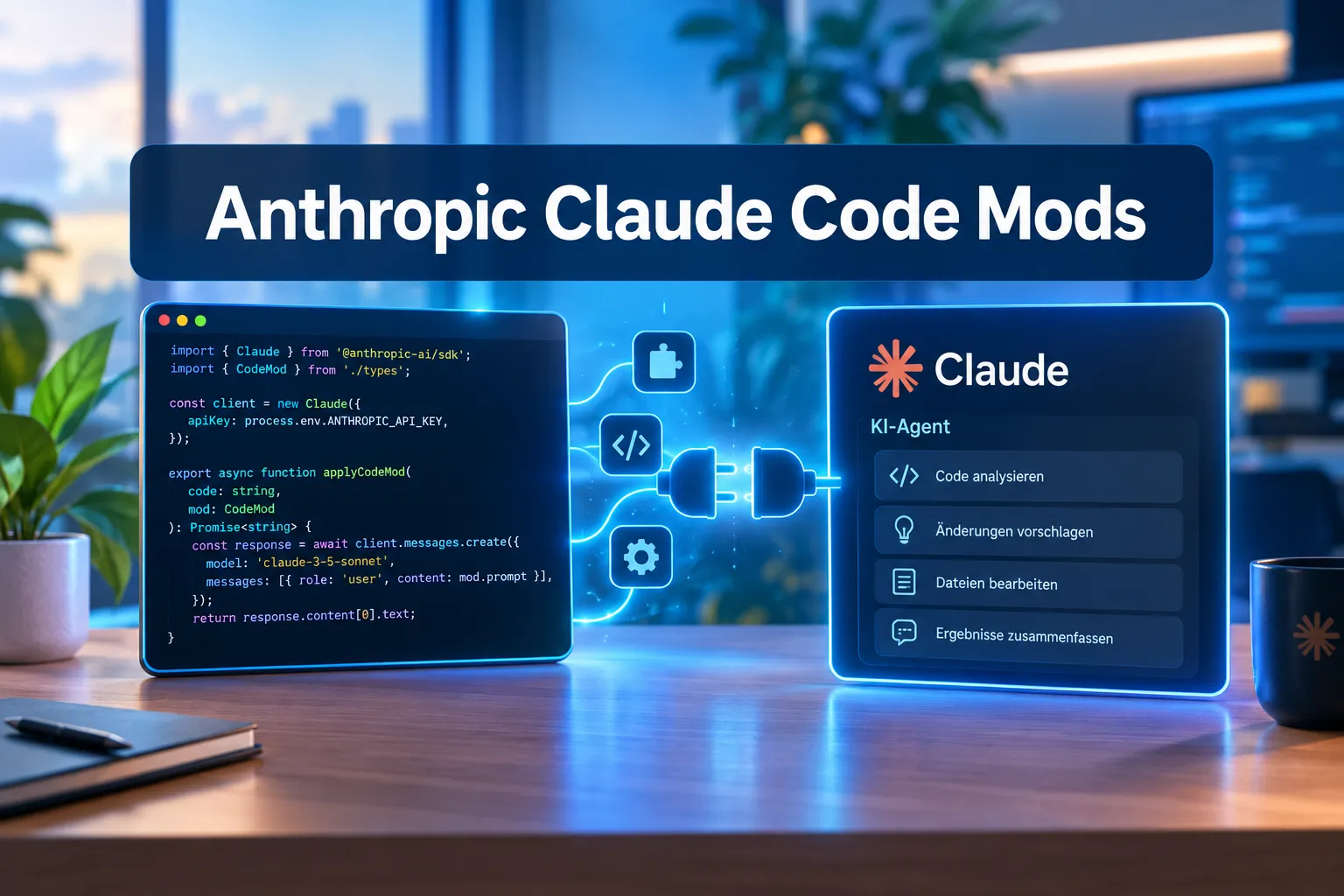
Fourteen out of 31 publicly shared mods were able to execute commands directly on the host system during the test phase, with no sandbox at all. That number isn’t a worst-case hypothetical — it comes straight from the early-access phase of Claude Code Mods, the new extension system Anthropic released on October 1, 2026 for its Claude Code coding agent. Mods are small TypeScript or JavaScript functions that hook directly into Claude Code’s execution logic, and that’s exactly where both their usefulness and their risk come from.
For software developers, DevOps teams, and anyone running Claude Code in production, the introduction of Claude Code Mods marks a turning point: the agent can now be deeply customized without Anthropic having to build every requested feature itself. This article explains how Claude Code Mods work technically, what they can do in practice, and where the security boundaries lie.
Table of Contents
Key Takeaways
- Claude Code Mods are event-driven TypeScript/JavaScript hooks that plug into Claude Code’s pipeline like Express middleware (handler signature: $, e, next).
- They require Claude Code version 2.1.287 or newer; installation runs through the existing /plugin command.
- Mods run without a sandbox, with full access to the file system, environment variables, and process execution — the one fixed boundary is that the permission prompt itself cannot be altered.
- During the early-access phase (September 9-15, 2026), 14 of 31 publicly shared mods were able to execute host processes.
- Enterprise environments automatically get the sec-default mod, which loads first and blocks attempts to bypass permission-deny rules.
What Are Claude Code Mods, Exactly?
Claude Code Mods are short code snippets, usually just a few dozen lines long, that respond to specific events in Claude Code’s internal processing pipeline. Anyone familiar with Node.js web frameworks like Express will recognize the pattern immediately: every mod receives a handler function with the signature ($, e, next), where $ provides context data, e describes the current event, and next passes control to the next hook in the chain.
The concept is deliberately kept low-barrier. Instead of learning a complex plugin API, developers essentially write small middleware functions, a pattern Anthropic borrowed directly from web development. That accessibility is likely one reason a large number of community mods appeared within a short time.
Importantly, mods are not fully standalone programs. They hook into moments where Claude Code is already doing something anyway — sending a prompt to the model, executing a tool call, or issuing a permission request. At exactly those points, Claude Code Mods can intervene, alter data, or stop the flow entirely.
How It Works: Event Hooks in Detail
The architecture of Claude Code Mods follows familiar middleware patterns, but is tailored specifically to an AI agent that interacts with file systems, terminal commands, and language models. According to consistent reporting from the-decoder.com, dev.to, and byteiota.com, mods can specifically do the following:
- Rewrite prompts before they’re sent to the model
- Intercept, block, or modify tool calls before they execute
- Approve or deny permission requests, automated instead of manual
- Redact secrets, removing sensitive information from tool output before it’s displayed or processed further
- Render custom UI elements, such as panels, buttons, or custom commands in the CLI or desktop app
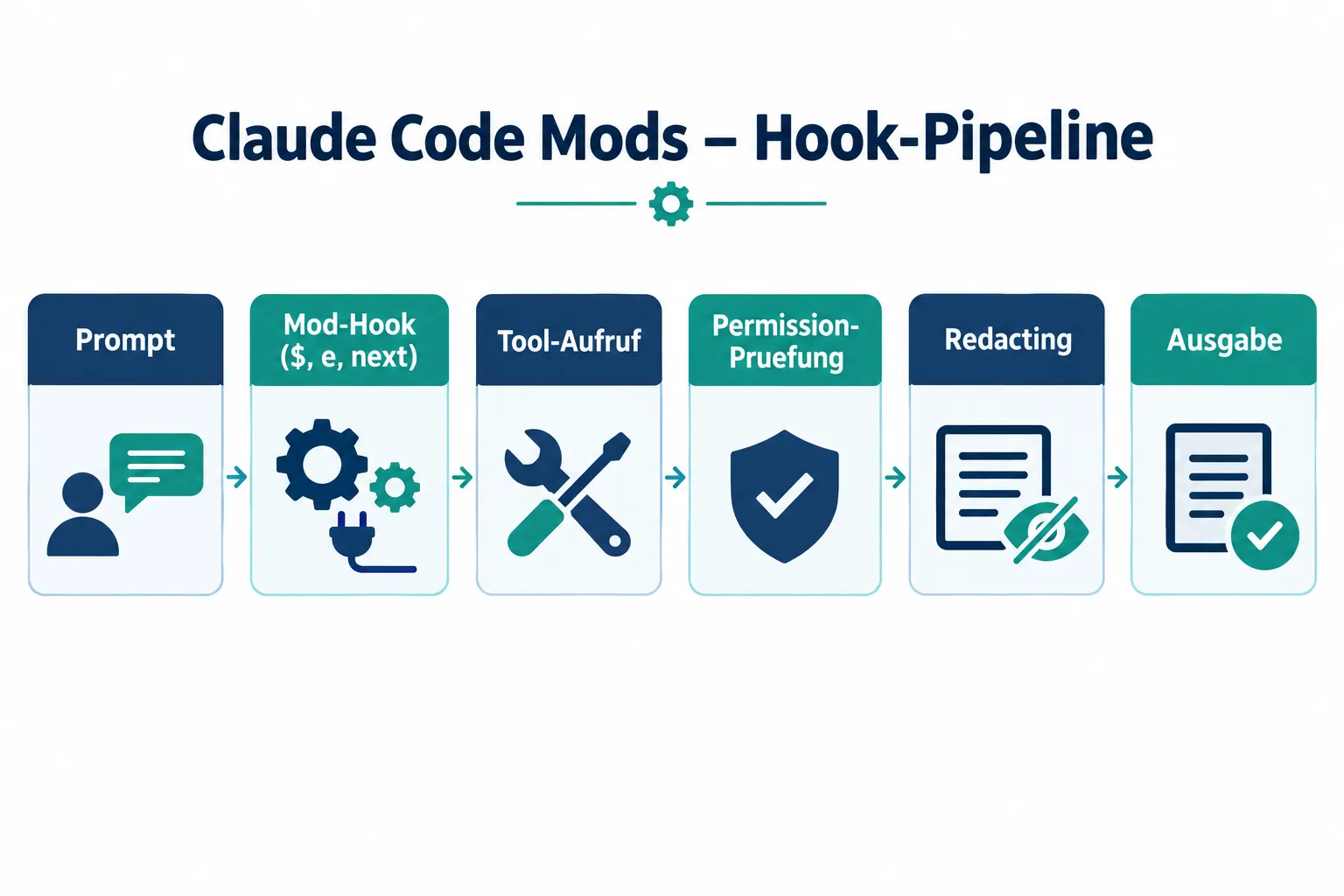
These intervention points sit deep inside Claude Code’s execution logic. A mod can, in theory, influence every single interaction between user, agent, and model, from the first prompt to the last file operation. Anthropic itself demonstrates confidence in the architecture by having converted some of Claude Code’s own pre-existing components into mods: the /diff panel for showing code changes, the AGENTS.md loader for project configuration, and various telemetry features. These functions no longer run as a hard-wired core but as swappable mods, a clear signal that the mod system is meant as a central extension layer, not a side feature.
Practical Examples of Claude Code Mods
Anthropic launched with three official example mods that illustrate the practical value clearly:
| Mod Name | Function | Scope |
|---|---|---|
| Token Weather | Shows live context window usage | ~80 lines of code |
| Blast Radius | Intercepts dangerous commands like rm -rf before execution and shows affected files | compact, focused |
| Replay Theater | Enables step-by-step review of changes | interactive UI panel |
These three examples show different use cases: Token Weather is a pure observability tool that helps developers keep an eye on the model’s capacity limits. Blast Radius, by contrast, is a safety tool that intercepts destructive commands before damage occurs — a direct example of how mods can block or modify tool calls. Replay Theater uses Claude Code Mods’ UI capabilities to make code changes traceable before they’re accepted.
For DevOps teams, mods that strip secrets from tool output are especially interesting — things like API keys or credentials that might accidentally surface in logs or terminal output. Since mods have direct access to tool output, building such redaction functions is comparatively straightforward, provided you understand the associated risks covered in the next section.
Installing and Building Your Own Claude Code Mods
Claude Code Mods install through Claude Code’s existing plugin system, specifically via the /plugin command in the CLI or desktop app. Claude Code version 2.1.287 or newer is required. In supported versions, mods are enabled by default, so installed extensions take effect immediately with no extra configuration step.
Two core tools support building your own mods:
- claude plugin validate checks a mod for structural correctness before installation
- –safe-mode disables all hooks, putting Claude Code into a state with no mod interference at all
Notably, Claude Code can generate mods itself. Users describe in natural language what a mod should do, and Claude writes the corresponding TypeScript code, hot-loads it, and makes it immediately testable. This workflow shifts extension-building from pure developer work toward a conversational process — with all the opportunities and risks that implies, especially when generated code is used in production without review.
Security Risks of Claude Code Mods
This is the most critical point of the entire system: Claude Code Mods run without a sandbox. They hold the same access rights as Claude Code itself — full access to the file system, environment variables, and the ability to execute processes. The only boundary Anthropic technically enforces: a mod cannot alter the permission prompt itself. Everything else is effectively left to the discretion of the mod’s own code.
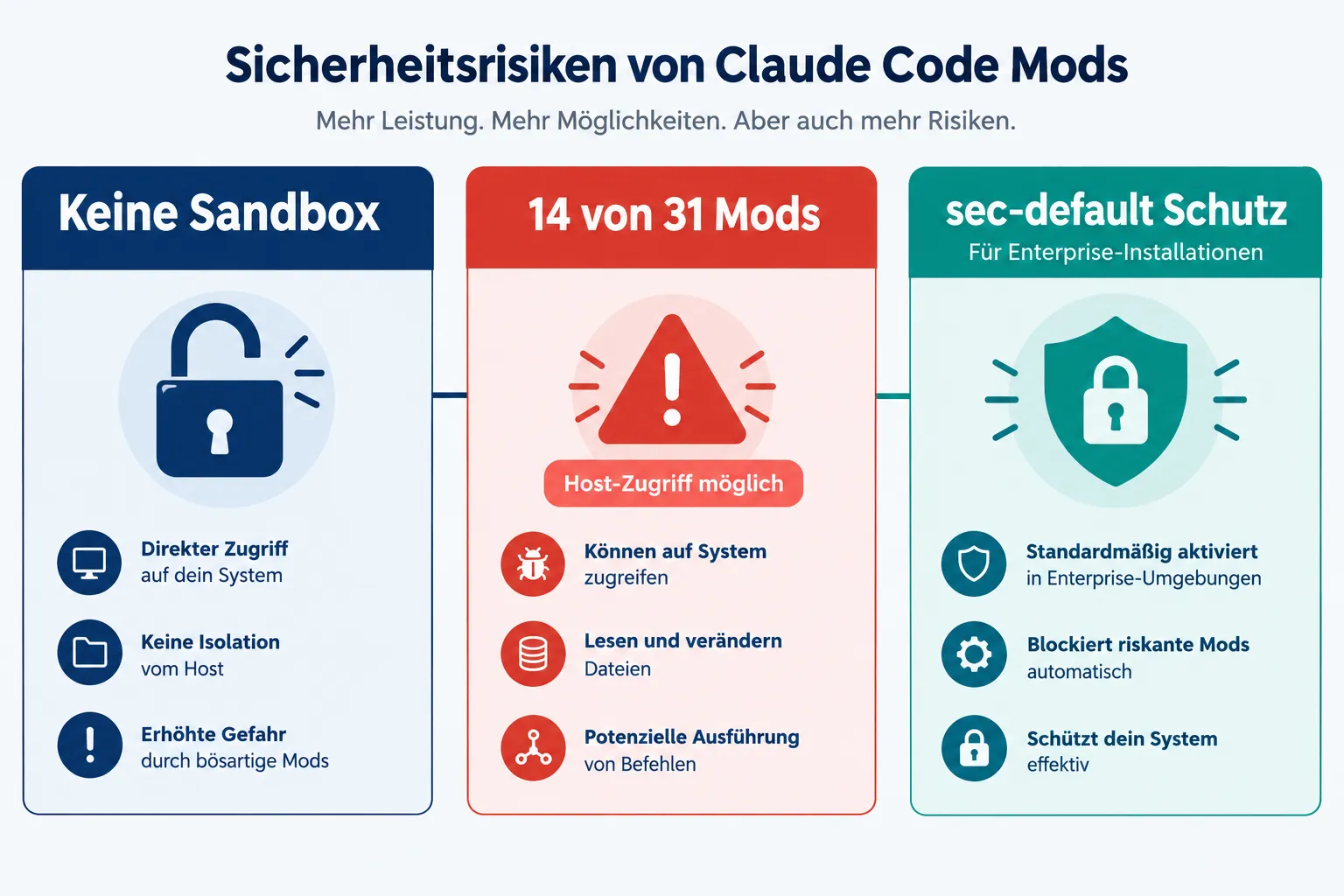
This openness already became a topic during the early-access phase. According to cryptobriefing.com, that early test access ran from September 9 to 15, 2026 via an environment variable. During that window, 31 mods were shared publicly, and an inspection found that 14 of them were capable of executing host processes. That figure is confirmed across multiple independent sources and shouldn’t be downplayed: nearly every other shared mod had the potential to execute system access beyond its stated feature, access users may not have expected.
For enterprises, Anthropic built in an additional protection layer. Enterprise installations automatically receive the sec-default mod, which loads first in the hook chain. Its job is to block attempts to bypass existing permission-deny rules — closing exactly the attack surface created by the lack of a sandbox. Individual developers and smaller teams without an enterprise license don’t get this automatic protection, which is why extra caution is warranted when choosing mods from third-party sources.
"Mods run with the same access rights as Claude Code itself — the only fixed boundary is the permission prompt."
A balanced view doesn’t mean rejecting Claude Code Mods outright. The functionality they enable — from secret redaction to custom safety checks like Blast Radius — is genuinely valuable for professional development teams. What matters is that users understand: a mod isn’t an isolated browser extension with limited permissions, it’s a piece of code with full system access. Before installing one, ideally review the source code, run claude plugin validate, and when in doubt use –safe-mode to disable unfamiliar mods for the time being.
Frequently Asked Questions About Claude Code Mods
Are Claude Code Mods enabled by default?
Yes, in supported versions (2.1.287 and up), mods are enabled by default as soon as they’re installed.
Can I temporarily disable all mods?
Yes, the –safe-mode flag disables all hooks without uninstalling the mods.
Does Anthropic offer better protection for enterprise customers?
Enterprise installations get the sec-default mod, which loads automatically first and blocks attempts to bypass permission-deny rules.
Bottom Line: Real Power, Real Responsibility
Claude Code Mods extend Claude Code with a flexible, middleware-like architecture that lets developers tailor the AI coding agent precisely to their own workflows — from simple status displays like Token Weather to security-relevant interventions like Blast Radius. The technical implementation is accessible, integration via /plugin and claude plugin validate is straightforward, and even automatic mod generation through natural language already works.
At the same time, the 14-out-of-31 figure from the early-access phase makes clear that the lack of a sandbox is not a theoretical risk — it already had concrete consequences during testing. Developers and DevOps teams should treat mods with the same diligence as any other software with full system access: review the source, know its origin, use –safe-mode when uncertain, and rely on sec-default protection in enterprise environments. Following these basic rules lets teams capture the value of Claude Code Mods without taking on unnecessary risk.