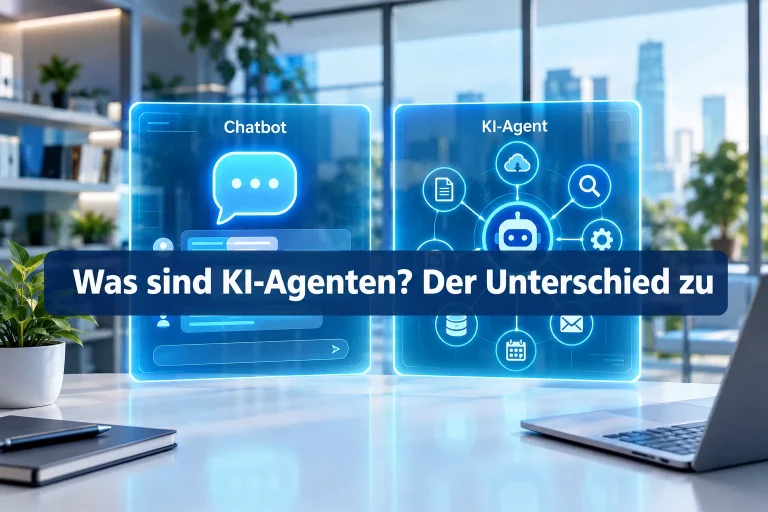
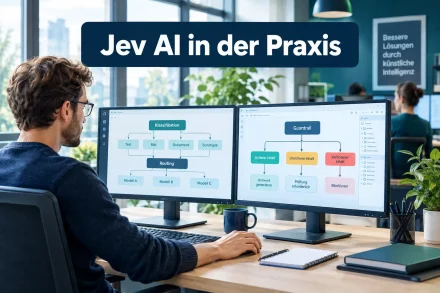
An AI agent that independently reads files, writes code, and books appointments needs more than just a clever language model. It needs an interface to the outside world, a memory that reaches beyond the current conversation, retrievable specialized capabilities, and a control layer that stops risky actions before they cause damage. Exactly these four building blocks, Model Context Protocol MCP, Memory, Skills, and Hooks, form the technical foundation of modern AI agents.
Part 1 of this series covered the fundamental difference between chatbots and agents. This part opens the hood: how does an agent connect to tools, what does it actually remember, and how is it prevented from acting uncontrollably?
Table of Contents
Key Takeaways
- The Model Context Protocol MCP is an open standard from Anthropic (November 2024) that connects AI models to external tools and data sources in a unified way.
- MCP follows a host-client-server architecture, similar to the well-known Language Server Protocol from software development.
- Memory files like CLAUDE.md give agents a persistent memory beyond the limited context window.
- Agent Skills are modular, file-based capability packages loaded on demand instead of staying permanently active like classic plugins.
- Hooks act as a safety and control layer that checks, blocks, or logs actions before or after execution.
What Is the Model Context Protocol MCP?
The Model Context Protocol MCP is an open standard that Anthropic published in November 2024. It solves a problem familiar to anyone who uses multiple AI tools in parallel: every model, every application, and every data source used to speak its own language. If a developer wanted to connect a language model to a database, a calendar, or an internal wiki, they had to build a separate, often fragile integration for each combination.
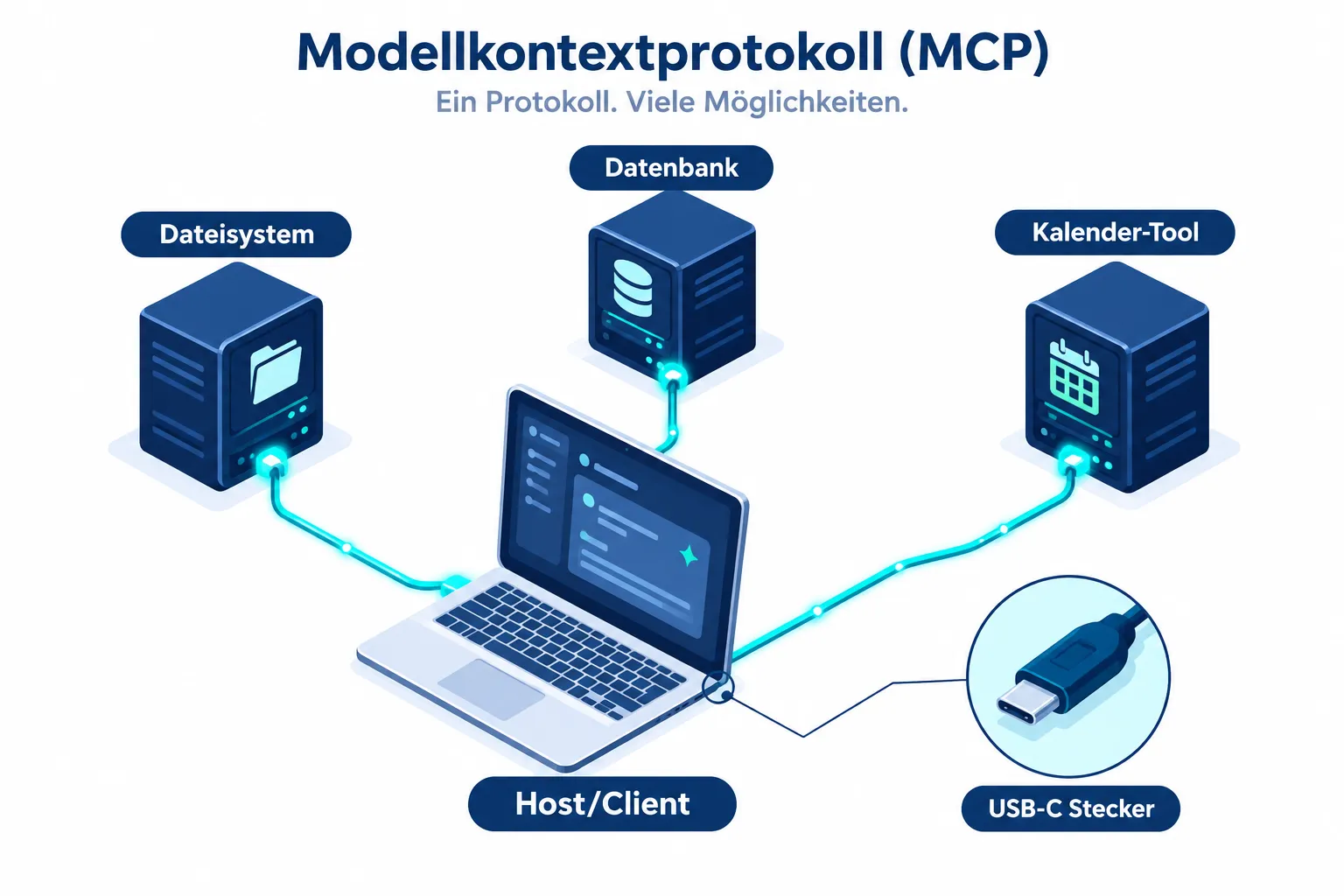
MCP instead creates a unified interface. An AI model that supports MCP can connect to any MCP-compatible server without needing custom adaptation. That’s why the Model Context Protocol MCP is often called “USB-C for AI”. Just as a USB-C port works regardless of manufacturer, MCP connects regardless of the specific tool.
USB-C for AI: Why the Comparison Fits
The comparison is more than marketing. Before USB-C, practically every device needed its own cable and its own power adapter. USB-C unified that: one connector shape, many devices. In the same way, integrating AI models into enterprise systems before MCP was a patchwork of individual interfaces. MCP defines a shared protocol that both tool providers and model providers can implement equally.
A helpful comparison from software development is the Language Server Protocol (LSP), which Microsoft introduced in 2016. LSP solved a similar problem for programming languages: instead of every code editor having to build its own support for every language, LSP defined a standard interface between editor and language analysis. The Model Context Protocol MCP applies this same principle to AI agents and external data sources.
The Architecture: Host, Client, and Server
MCP is built on three clearly separated roles:
- Host: the application in which the user works, such as a chat interface or a development environment.
- Client: the component inside the host that manages the MCP connection and forwards requests to servers.
- Server: an independent service that provides access to a specific data source or tool, for example a file system, a database, or project management software.
If an agent wants to read a file, for instance, the client sends a standardized request to the responsible MCP server. The server executes the action and returns the result in a format the model can process directly. Developers can thus build an MCP server once and use it with any MCP-capable model, without further adaptation.
Memory Files: Memory Beyond the Context Window
Every language model works with a context window, meaning a limited amount of text it can process in one pass. Anything outside this window is, technically speaking, forgotten immediately. For an agent that’s supposed to work on a project over days or weeks, this is a real problem: without additional mechanisms, every new session starts from zero.
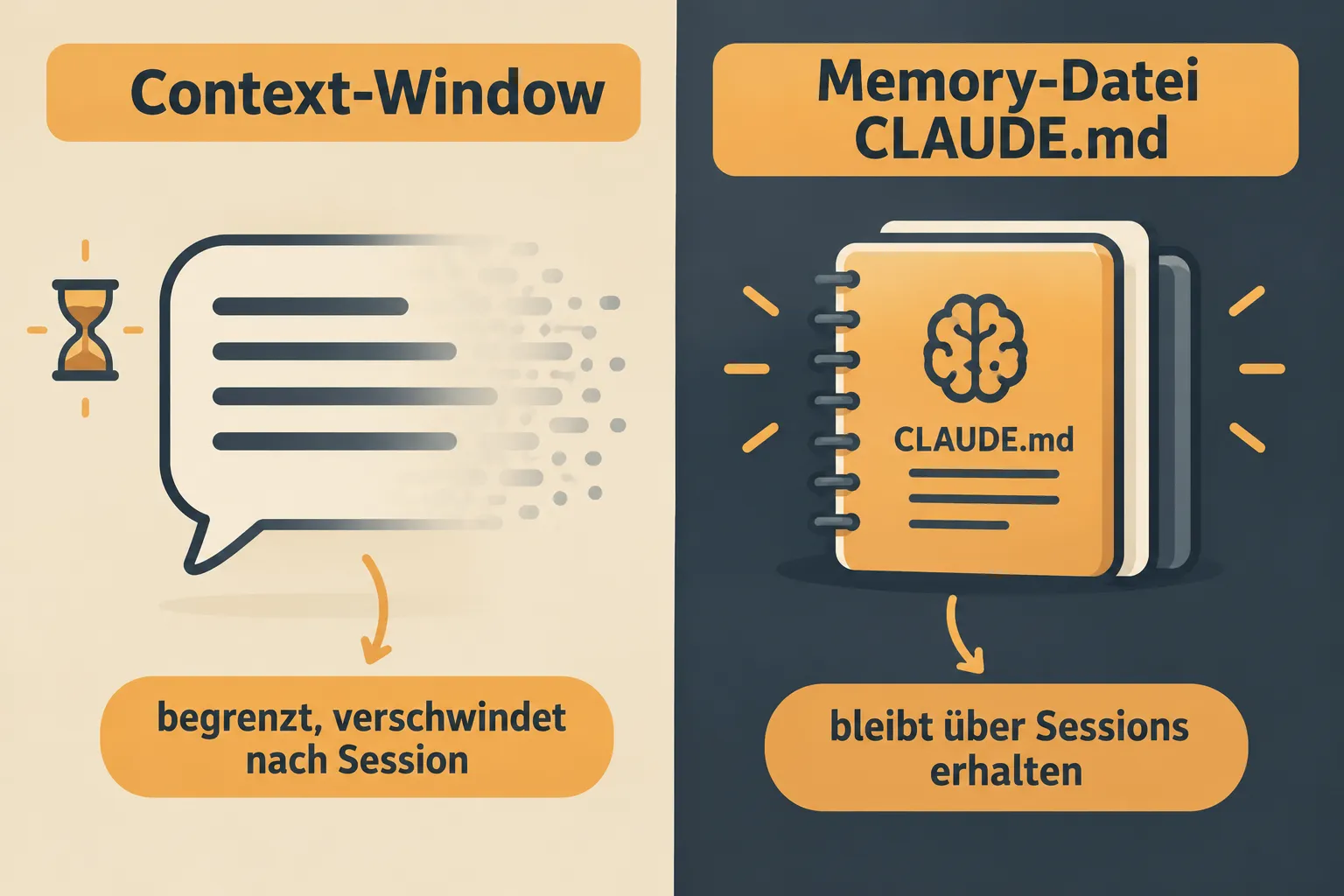
This is exactly where memory files come in. A memory file, such as the CLAUDE.md used by Claude Code, is a simple text file in which an agent stores notes, project rules, open tasks, or important context information. This file is not regenerated with every response, but persists across multiple sessions and is re-read at every start.
CLAUDE.md and Persistent Notes
The practical difference can be shown with a simple example: a developer asks an agent to work on a software project and specifies that certain files must never be changed. Without a memory file, this rule would have to be re-explained in every new session. With a memory file, the agent writes the rule down once, and it’s automatically available again at every future start.
It’s important to understand the difference from the context window: the context window is the active working memory during a single conversation, limited in size and volatile. The memory file, on the other hand, is persistent storage on disk, comparable to a notebook the agent reopens before every task. Both mechanisms complement each other: the context window processes the current task, the memory file provides the long-term framework around it.
Agent Skills: Modular Capabilities Instead of Fixed Plugins
Classic software plugins are loaded when an application starts and stay active for the entire runtime, regardless of whether they’re actually needed. This costs resources and makes systems harder to oversee the more plugins are installed.
Agent Skills take a different approach. A skill is a file-based package that typically contains instructions in natural language plus optional helper scripts. The agent doesn’t load this skill permanently, but only at the moment the specific task requires it. If the agent doesn’t currently need PDF processing, the corresponding skill stays unloaded and takes up no space in the context window.
The table below summarizes the key differences:
| Trait | Classic Plugin | Agent Skill |
|---|---|---|
| Load time | At program start, permanently active | On demand, situational |
| Format | Compiled code, tightly integrated | Text file plus optional scripts |
| Resource usage | Constant, regardless of demand | Only during active use |
| Customizability | Requires developer knowledge | Often changeable with simple text editing |
| Reusability | Tied to one platform | Portable between compatible agents |
This approach makes agents leaner and more flexible. A company can write its own skill for specific internal processes, such as formatting invoices to a particular schema, without touching the agent’s core architecture.
Hooks: The Safety and Control Layer for AI Agents
An agent that independently executes commands, deletes files, or sends emails needs a brake. Hooks fulfill exactly that function. A hook is a piece of code that runs automatically before or after a specific agent action, regardless of what the language model itself “decides”.
Typical use cases for hooks include:
- Blocking dangerous commands: a hook can check whether a command deletes system files and prevent execution before it even starts.
- Logging: every action an agent takes can automatically be written to a log so it stays traceable later what exactly happened.
- Approval workflows: certain critical actions can be configured to run only after confirmation by a human.
- Format checking: after completing a task, a hook can automatically check whether the generated code meets certain quality standards.
Hooks run outside the control of the language model. That’s exactly what makes them a reliable safety layer, regardless of how the model itself “reasons”.
The decisive point is independence from the model: a language model can be wrong, misinterpret an instruction, or, in rare cases, act in a way no one anticipated. A hook intervenes independently of that, based on fixed, defined rules. For IT decision-makers, this mechanism is often the deciding factor in whether an agent is allowed into production environments at all.
How MCP, Memory, Skills, and Hooks Work Together
The four building blocks don’t act in isolation, they interlock during an agent’s operation. The Model Context Protocol MCP establishes the connection to external tools and data. Memory files ensure the agent retains project-related knowledge across sessions. Skills deliver specialized capabilities exactly when they’re needed. Hooks monitor every one of these actions and intervene as soon as a rule is violated.
A typical flow might look like this: the agent first reads its memory file to load the project context. Via an MCP server, it accesses a code repository. For a specific task, such as creating a PDF summary, it loads the matching skill. Before it overwrites a file, a hook automatically checks whether this action is permitted. Only when all four layers work together does an agent emerge that works reliably, traceably, and controllably.
Conclusion and Next Steps
The Model Context Protocol MCP, memory files, Agent Skills, and Hooks together form the technical foundation that distinguishes an AI agent from a simple chatbot. MCP provides standardized connections to external tools, memory files overcome the context window’s limitations, Skills deliver on-demand specialized capabilities, and Hooks secure the entire process in a controlled way.
For developers and IT decision-makers, a concrete next step is worthwhile: before introducing an agent into production systems, check which MCP servers already exist for your own tools, what a sensible memory structure could look like for recurring projects, and which hooks are absolutely necessary to secure critical actions. Anyone who understands these four building blocks can not only use agents, but also configure and secure them deliberately.
This is part 2 of our series Getting Started with AI Agents. Part 1 explains the difference between chatbots and agents, Part 3 compares concrete agent tools like Hermes and Claude Code.